
Outlook Web Access initialization problems on Exchange 2010 after installing any of the rollups can be fixed relatively simply by the process below.
This solution also fixes the – Couldn’t find a base theme (folder name=base) issue.
Solution:
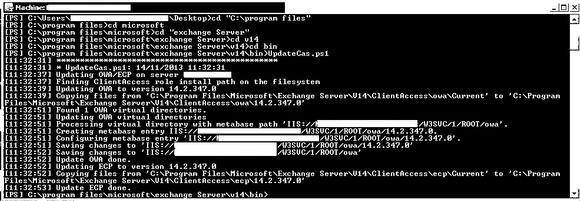
Open up a Exchange Powershell window on the affected server and type in:
C:Program FilesMicrosoftExchange ServerV14BinUpdateCas.ps1
then hit enter to run.
This program only takes a few minutes to run and replaces all the files moved by the rollup back into the correct folders so that OWA can run as normal.
Side Note:
Powershell doesn’t like spaces in directory names so quote marks will be needed for “C:Program Files” and “cd Exchange server”